Note
Go to the end to download the full example code
Simple Colormap
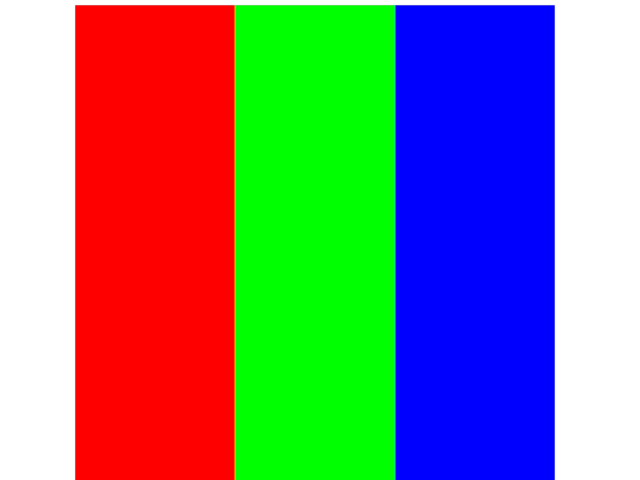
Show an image with a simple colormap.
You should see a square image with 3 equally sized vertical bands.
The bands should be red, green, and blue.
# test_example = true

import numpy as np
from wgpu.gui.auto import WgpuCanvas, run
import pygfx as gfx


canvas = WgpuCanvas()
renderer = gfx.renderers.WgpuRenderer(canvas)
scene = gfx.Scene()

im = np.repeat(np.linspace(0, 1, 99).reshape(1, -1), 99, 0).astype(np.float32)

colormap_data = np.array([[1, 0, 0], [0, 1, 0], [0, 0, 1]], np.float32)
colormap = gfx.Texture(colormap_data, dim=1)

image = gfx.Image(
    gfx.Geometry(grid=gfx.Texture(im, dim=2)),
    gfx.ImageBasicMaterial(clim=(0, 1), map=colormap, map_interpolation="nearest"),
)
scene.add(image)

camera = gfx.OrthographicCamera()
camera.show_rect(0.5, 99.5, 0.5, 99.5)

canvas.request_draw(lambda: renderer.render(scene, camera))

if __name__ == "__main__":
    run()
Total running time of the script: (0 minutes 0.307 seconds)
