pygfx.objects.Line
- class pygfx.objects.Line(geometry=None, material=None, *, visible=True, render_order=0, render_mask='auto')
Bases:
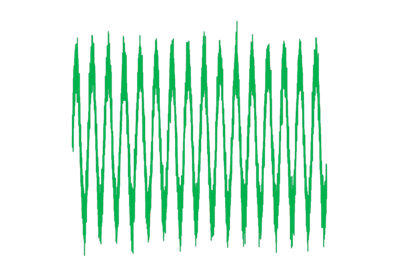
WorldObjectAn object representing a line using a list of vertices (3D positions).
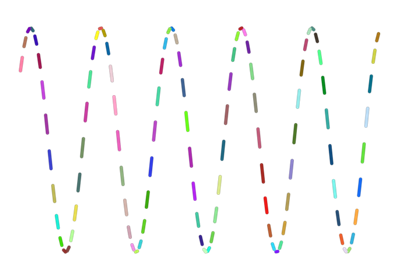
Some materials will render the line as a continuous line, while other materials will consider each pair of consequtive points a segment.
The picking info of a Line (the result of
renderer.get_pick_info()) will for most materials includevertex_index(int) andsegment_coord(float, sub-segment coordinate).- Parameters:
geometry (Geometry) – The data defining the shape of the object.
material (Material) – The data defining the appearence of the object.
visible (bool) – Whether the object is visible.
render_order (int) – The render order (when applicable for the renderer’s blend mode).
render_mask (str) – Determines the render passes that the object is rendered in. It’s recommended to let the renderer decide, using “auto”.
position (Vector) – The position of the object in the world. Default (0, 0, 0).
Examples