Note
Go to the end to download the full example code.
Volume Axis-Aligned, Rotated Camera
Render a MIP volume with the camera oriented such that the view matrix has zeros on its diagonal. You should see:
A 3x3 grid of voxels with a smooth gradient from dark (bottom-left) to bright (top-right).
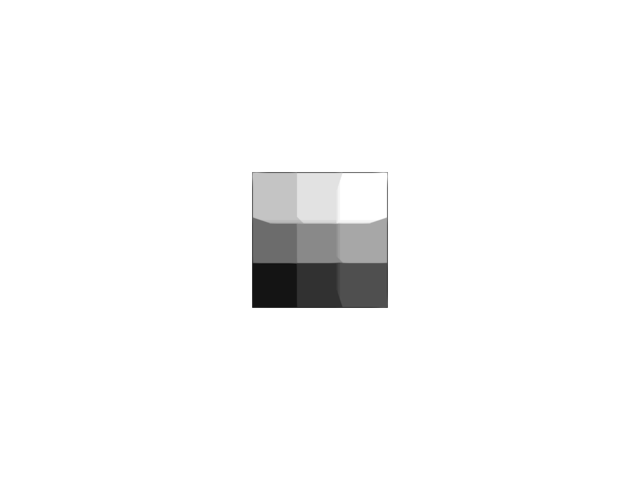
import numpy as np
from rendercanvas.auto import RenderCanvas, loop
import pygfx as gfx

canvas = RenderCanvas()
renderer = gfx.renderers.WgpuRenderer(canvas)

data = np.arange(27, dtype=np.uint16).reshape(3, 3, 3)

scene = gfx.Scene()
vol = gfx.Volume(
    gfx.Geometry(grid=gfx.Texture(data, dim=3)),
    gfx.VolumeMipMaterial(
        clim=(float(data.min()), float(data.max())), interpolation="nearest"
    ),
)
scene.add(vol)

camera = gfx.PerspectiveCamera(fov=70, depth_range=(1, 1_000_000))
camera.world.matrix = np.array(
    [
        [0, 0, 1, 10],
        [1, 0, 0, 1],
        [0, 1, 0, 1],
        [0, 0, 0, 1],
    ],
    dtype=float,
)


def animate():
    renderer.render(scene, camera)


canvas.request_draw(animate)

if __name__ == "__main__":
    loop.run()
Total running time of the script: (0 minutes 0.361 seconds)