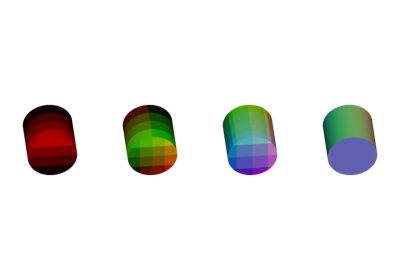
pygfx.geometries.cylinder_geometry
- pygfx.geometries.cylinder_geometry(radius_bottom=1.0, radius_top=1.0, height=1.0, radial_segments=8, height_segments=1, theta_start=0.0, theta_length=6.283185307179586, open_ended=False)
Generate a cylinder or a cylinder segment.
This function generates a cylinder or a cylinder segment. The cylinder’s axis runs along the local z-axis, and its midpoint is located at the local origin. The cylinder’s faces (top and bottom cap) are approximated by regular N-sided polygons, with corners on a circle of the given radius.
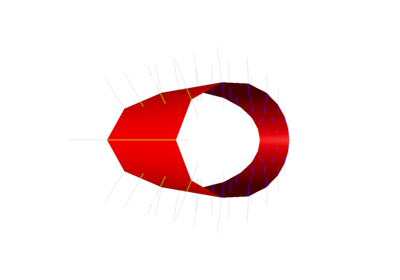
Optionally, the cylinder’s faces may be replaced with polygon approximations of two circle segments. In this case, a cylinder segment will be created, and each segment’s arc is constructed from N equal-length line segments closed by a line along the segments cord.
- Parameters:
radius_bottom (float) – The radius at the bottom of the cyliner.
radius_top (float) – The radius at the top of the cyliner.
height (float) – The height of the cylinder.
radial_segments (int) – The number of segments to use when approximating the circle/arc.
height_segments (int) – The number of evenly spaced segments into which the mantle should be split.
theta_start (float) – The angle (in rad) at which to start the circle segment. Zero points into the direction of the local x-axis.
theta_length (float) – The arc’s central angle (in rad). Defaults to a full circle.
open_ended (bool) – If True, the cylinder’s faces are not added and the resulting geometry only contains the mantle.
- Returns:
cylinder – A geometry object representing a cylinder. Mathematically, it consists of a set of open orientable manifolds.
- Return type:
Examples